 by
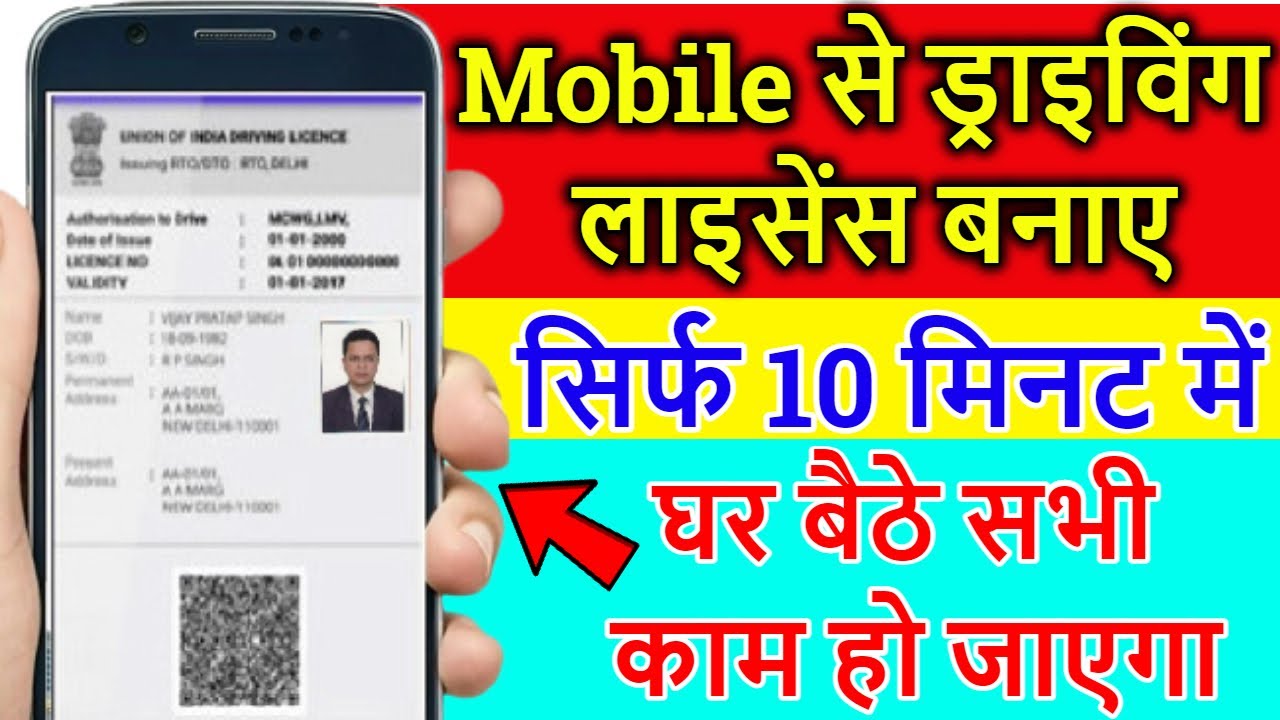
by To make a driving license from your mobile phone, the process depends on the country you live in. In some countries, you can apply for or renew a driving license online through an official government portal or mobile app. Here’s a general guide to applying for a driving license using your mobile:
1. Download the Relevant Government App (if available)
- Many countries offer mobile apps to apply for a driving license. For instance:
- India: The Parivahan Sewa app allows you to apply for a driving license online.
- USA: Some states allow license renewals and bookings for tests through their state DMV apps or websites.
- UK: The DVLA offers a service for renewing and applying for driving licenses online.
2. Register and Sign In
- Create an account or log in to the relevant government portal or app. You may need to provide personal details like your name, address, date of birth, and other identification information.
3. Fill in the Application Form
- Complete the online application form with your personal details, including contact information and proof of identity (such as your Aadhaar number in India or a passport number in other countries).
- You may be asked to upload documents such as proof of identity, address, age, and photographs.
4. Submit the Required Documents
- Typically, you need to upload scanned or clear images of your:
- Proof of identity (e.g., passport, national ID card)
- Proof of address (e.g., utility bill, bank statement)
- Photographs (passport-sized photo)
- Medical certificate (in some cases, if required)
5. Schedule the Driving Test (if required)
- Depending on the country and your eligibility, you may need to schedule a driving test. You can do this directly through the app or website.
- In some places, you can also complete online theory exams for learner licenses.
6. Payment
- Pay the application fee using mobile payment methods like credit/debit cards, UPI, or mobile wallets.
7. Receive Your License
- If your application is approved, you may receive a digital version of your driving license through the app or email.
- In many countries, you can use the digital driving license on your mobile as a valid proof of your driving eligibility.
- For physical copies, the government might mail it to your address.
8. Track the Status
- Use the app or website to track your application’s status and get updates on when the physical license will be delivered.
Notes:
- Not all countries support full mobile application for obtaining a driving license. In some regions, you may only be able to renew or apply for a duplicate license online.
- For first-time applicants, there might still be requirements for in-person visits, especially for the driving test.
For more specific information, check the official transportation or licensing department of your country or state.